The desk
Author
2026
- Linux
- QML
- Python
- shell
I work on Omarchy — a Linux desktop distribution built on Arch and Hyprland — and I have built my own on top of it. The reason it is on this site is not the theme. It is what the machine is designed around.
Why the machine matters
- The coding agent is a default application here, at the same level as the
browser.
omarchy default agentsits in the same list asomarchy default browser,default editoranddefault terminal, and it takes any of a dozen agents. The OS does not treat an agent as an app you happen to run. It treats it as part of the desk. - A crash is handed to an agent. A process dies, a notification says so, and
clicking it runs
omarchy agent crash <pid>— the core dump, the signal and the binary go to the default agent with a diagnosis skill attached. - Agent work is measured like any other system resource.
omarchy agent usagereads live limits and token spend and feeds a tile on the bar, next to battery and network. omarchy agent promptlaunches an agent with a prompt from anywhere — a keybinding, the menu, a script.
This is the environment I chose and the one I extend. It is why I build things like key-amnesia: when an agent is a first-class process on your machine, the question of what it is allowed to hold stops being hypothetical.
What is on the screen below
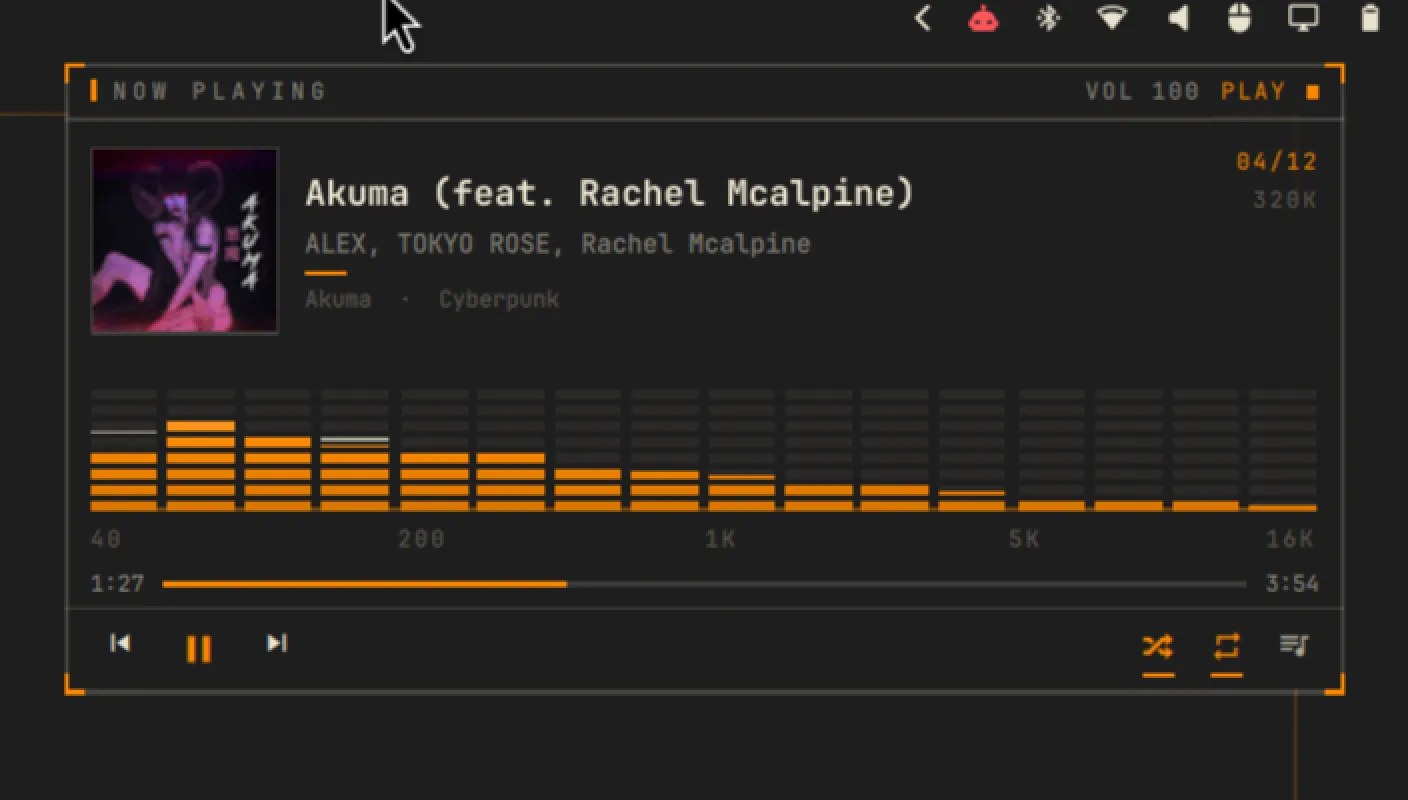
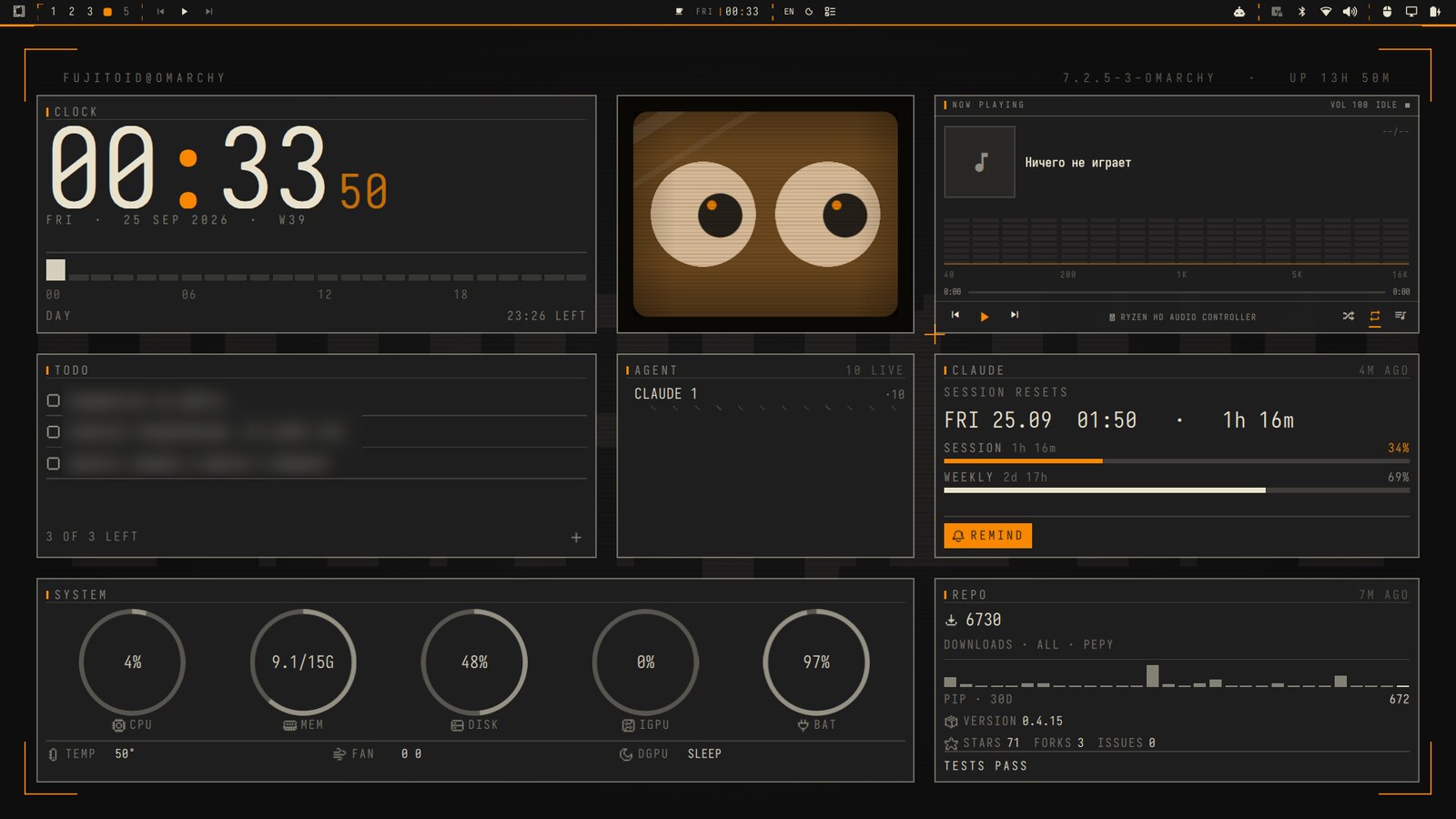
The clip and the still are the same desk, running. Reading the tiles left to right:
- AGENT — live agent sessions, counted like any other process.
- CLAUDE — the session and weekly limits as progress bars, with the reset time and a reminder button. Agent capacity is a resource the bar tracks.
- REPO — key-amnesia’s live figures: downloads, version, stars, forks, open issues, test status. The panel on this site’s project pages is the same readout, moved to a page.
- SYSTEM — CPU, memory, disk, iGPU and battery, with temperature and fan.
- CLOCK, NOW PLAYING and a mascot whose eyes track across the tile.
The three items on the todo tile are blurred. They are mine and they are not part of the demonstration.
What I built on top of it
- A custom theme, carried through the bar, the terminal, the editor and the lock screen, from one palette file.
- A status bar with live tiles, driven by a small internal message bus rather than by polling scripts.
- QML draws the shell. Python and shell feed it. Linux is the machine underneath.
How it is reviewed
The layout is not signed off by eye. Every pass has a measurement, and the measurement decides.
- Ink mass is checked by linear luminance.
- Accent share is checked by an HSV mask.
- Alignment is checked by crop-and-measure.
This site inherits its visual language from that desktop. The palette, the hairline rules and the accent rule are the same decisions, on a page instead of a bar. The repository is private, so this entry has no link.